
Setting up Two-Factor-Authentication
Two-Factor-Authentication can be enabled from the Account Settings page.
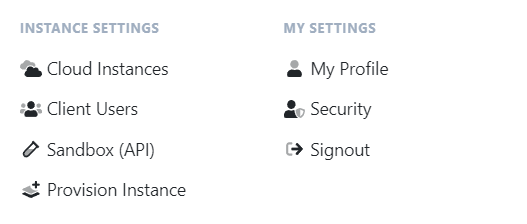
In the top right corner, click your name, then Account Settings.
Scroll to the Two Factor panel and follow the prompts to turn it on.
Two-Factor-Authentication can be enabled from the Account Settings page.
In the top right corner, click your name, then Account Settings.
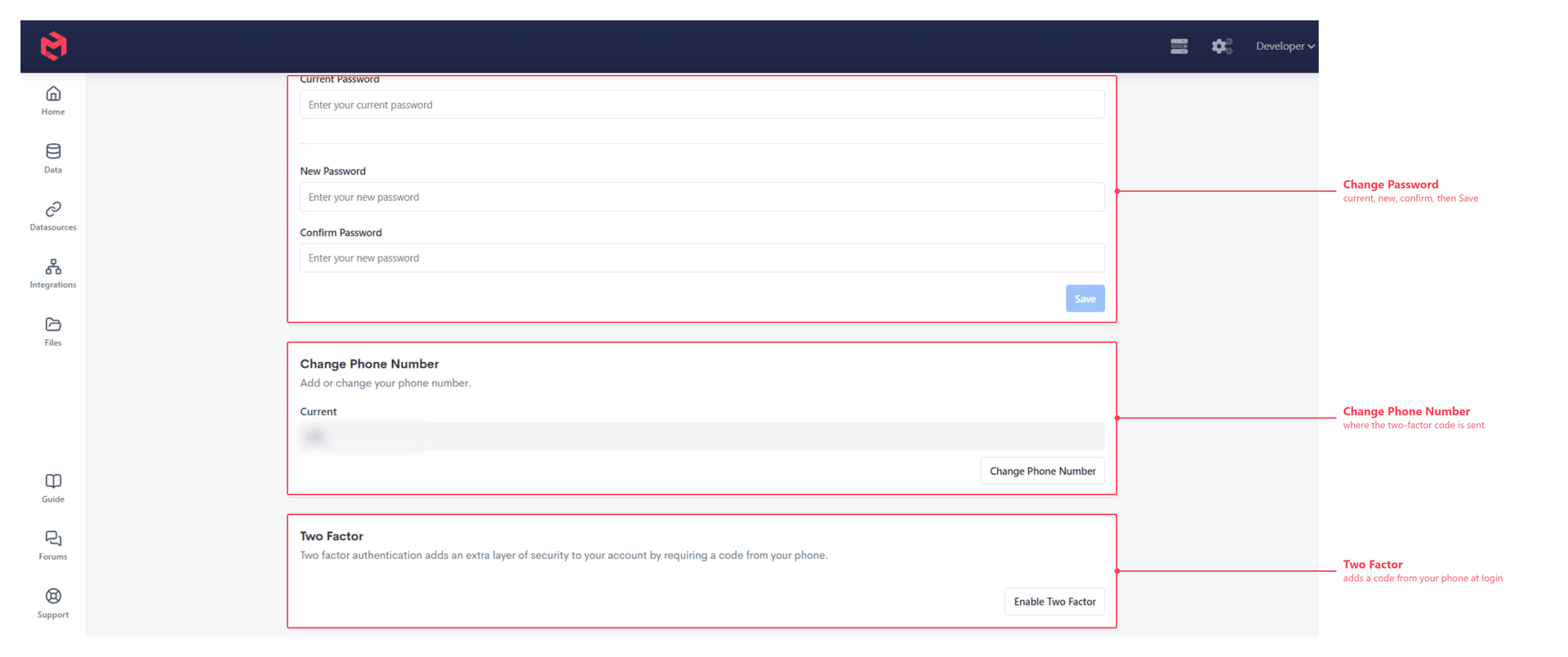
Scroll to the Two Factor panel and follow the prompts to turn it on.