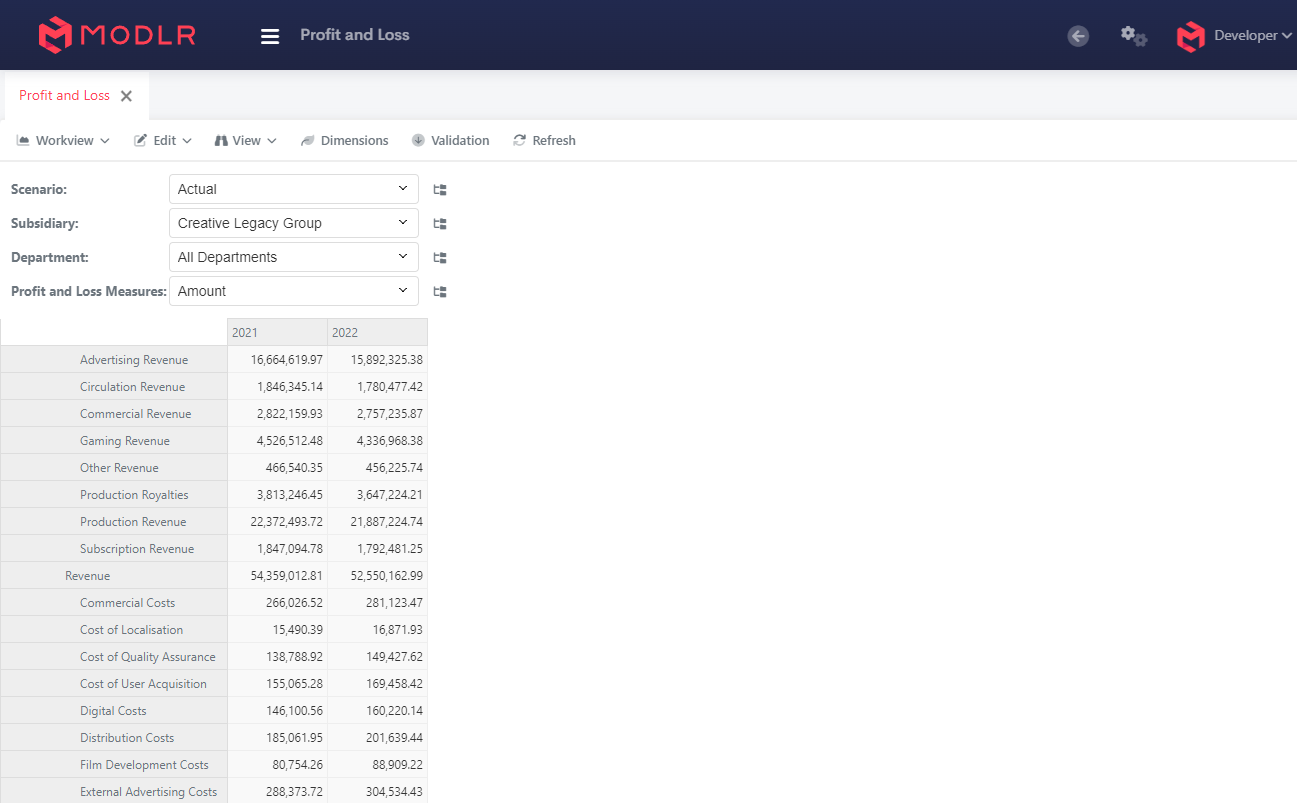
How to open a Workview (Report)
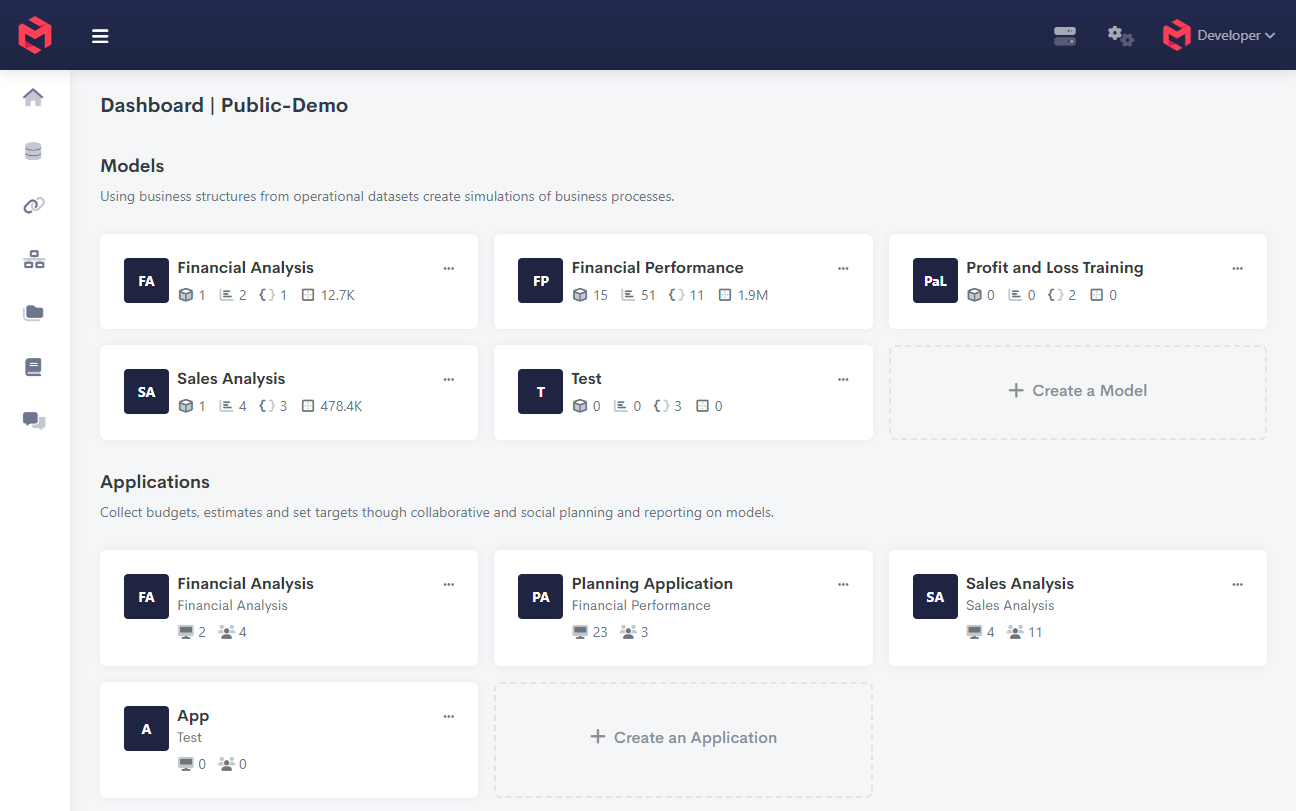
From the home page within gateway:
- Select the Model which holds the Workview you would like to open
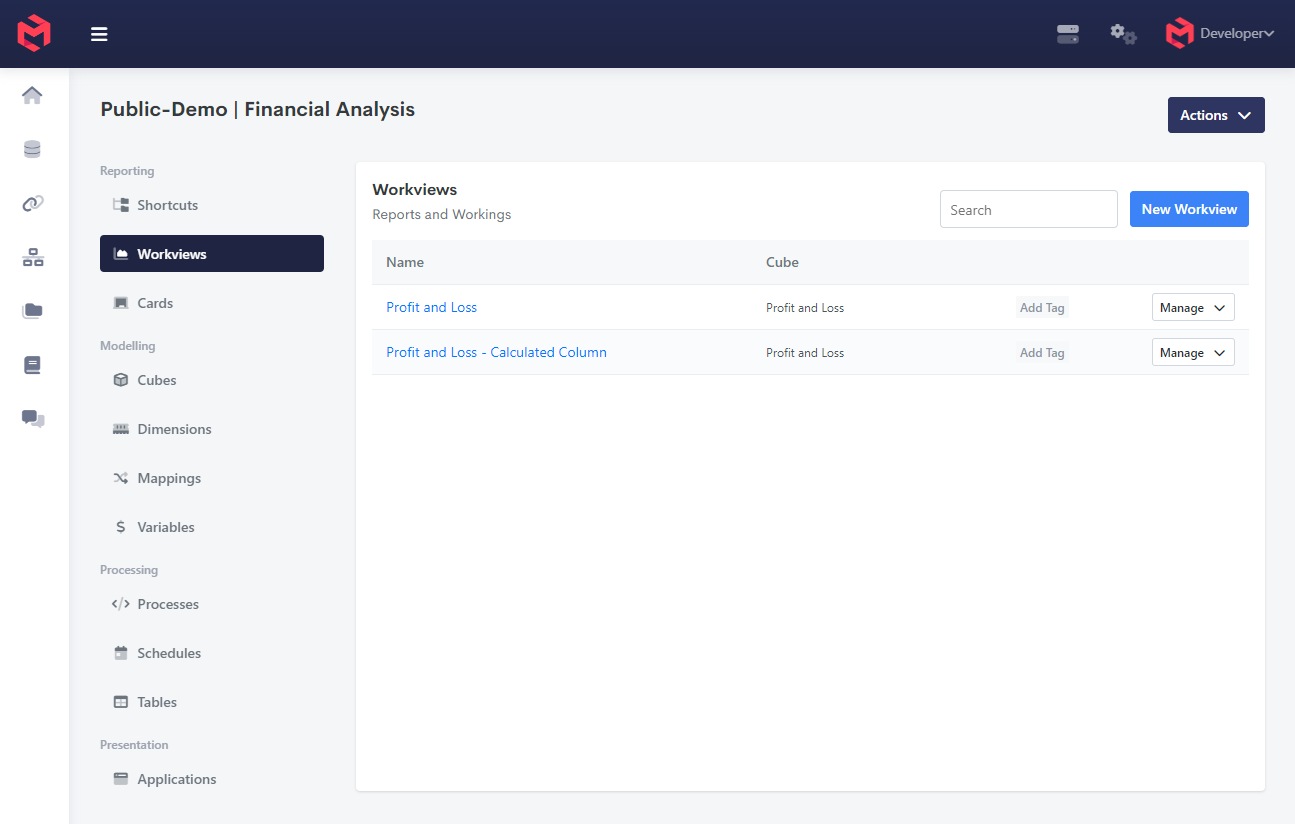
- From the model homepage click open on the workview you would like to view.
- This will open the workview in the current tab. Alternatively click with the scroll wheel to open in a new tab.