
Adding Modellers
Modeller users have administrative access to your MODLR Instance.
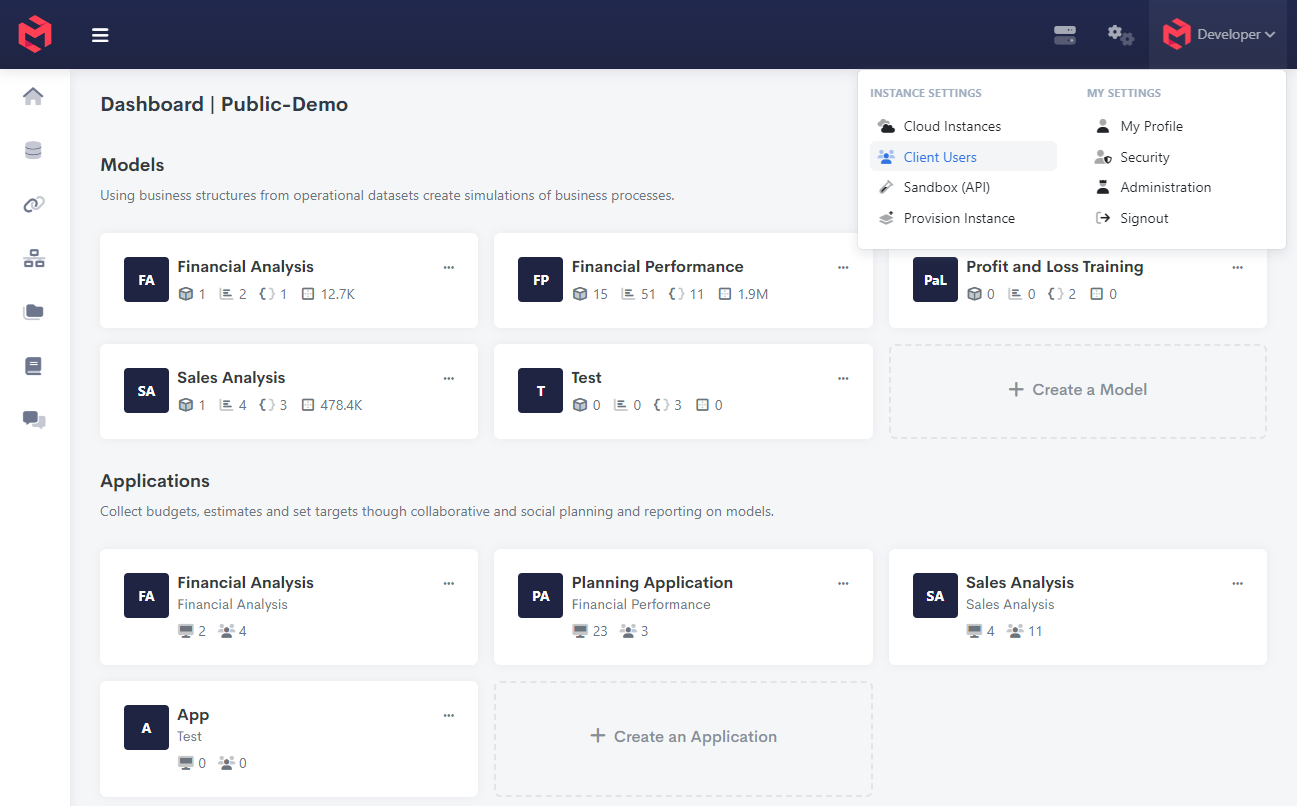
- Click your name at the top right of the screen and select Manage Users.
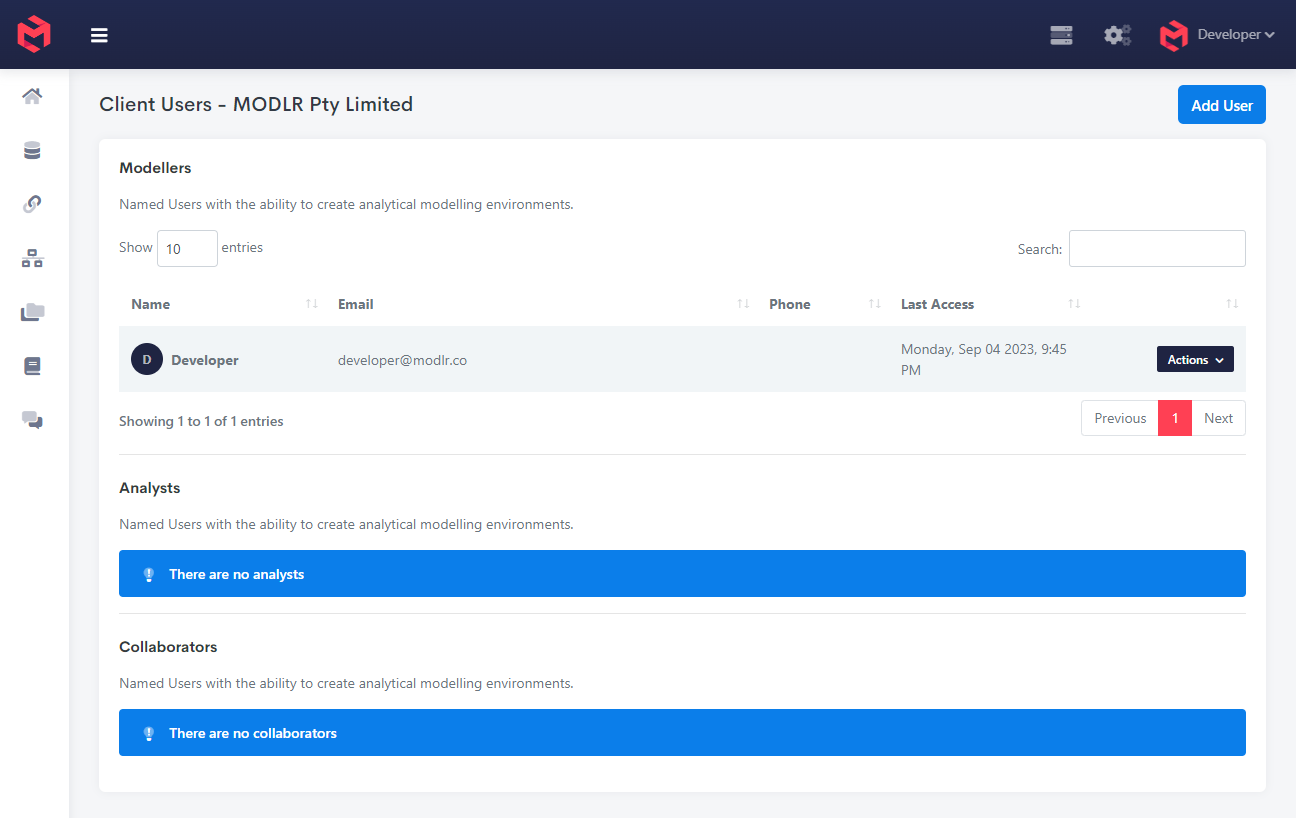
- Click Add User in the top right
- Enter their email, choose the Role, then click Continue.
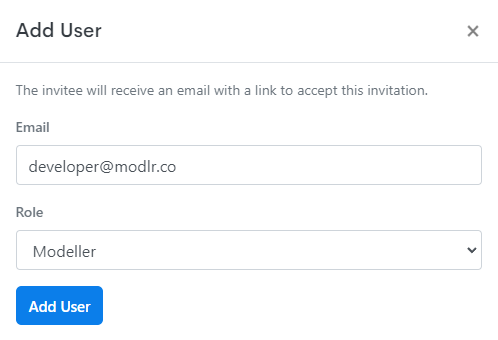
The system will then send the new Modeller an email, to the address provided, for activating their account along with credentials.