
Screen Access Tags
Screen access tags provide collaborators with access to specific planning screens of the Application. Screens can either be visible or hidden from the user through the use of a screen access tag.
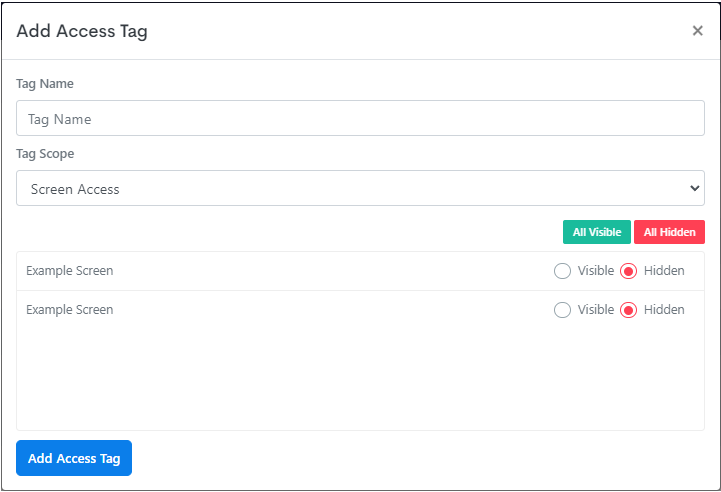
What a screen tag controls
A screen tag does more than gate the screen itself - it also drives what the surrounding navigation shows to that user.
| Where | Effect |
|---|---|
| The screen | A user without the tag can't reach the screen, including by URL. |
| Menu entries | An entry pointing at a screen the user has no tag for isn't shown to them at all, so the menu renders differently per user. |
| Custom page content | Markup wrapped in a <!--tag:NAME--> ... <!--tagend--> block is rendered only for users holding that tag. |
Together these mean a single menu or custom page header can be attached across an entire application and still present each user with only the navigation they're entitled to - there's no need to build a separate menu per audience.
Note the difference between the first row and the other two. The screen tag on the screen is the actual control; menu and custom page filtering is presentation on top of it. A link hidden from a custom page still points at a reachable screen unless that screen carries its own tag.