What is a JDBC Driver?
A JDBC driver (Java Database Connectivity driver) is a small piece of software that allows MODLR to connect to different databases.
Essentially, a JDBC driver makes it possible to do three things:
- Establish a connection with a data source.
- Send queries and update statements to the data source.
- Process the results.
Adding a new JDBC Driver
To setup a new driver you will need three components
- The
*driver*.jarfile from the database provider. - The class name for the JDBC
- A database connection URI
The above three components are documented / linked below this section for commonly used databases.
Setup Instructions
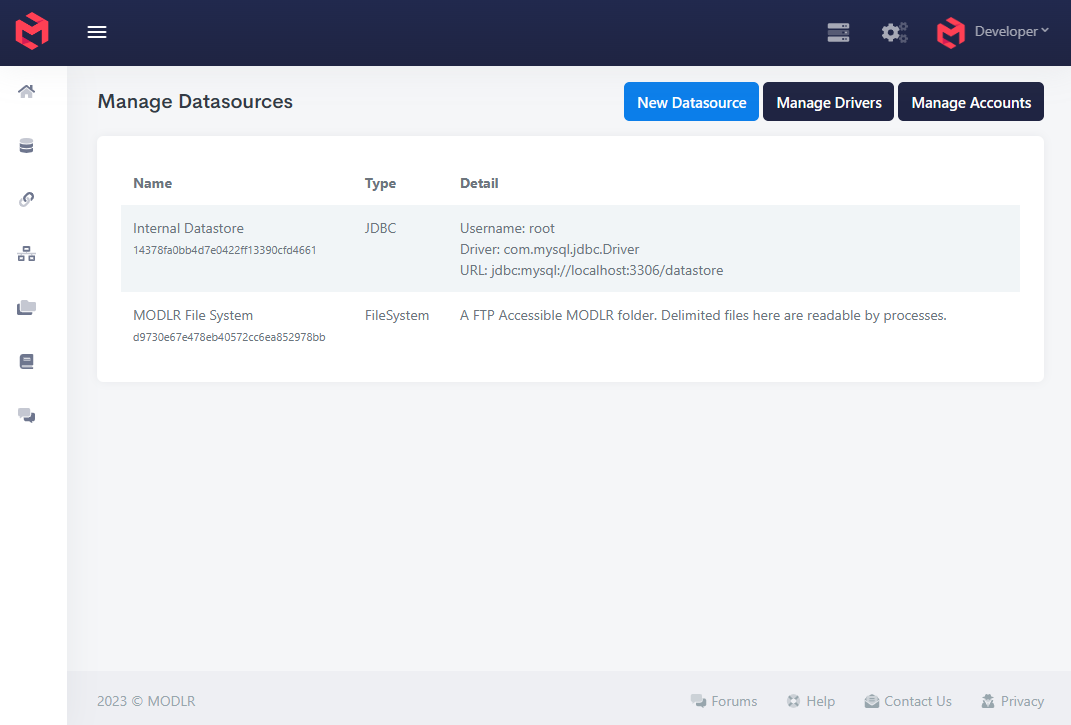
From the Manage Datasources page click on the Manage Drivers button.
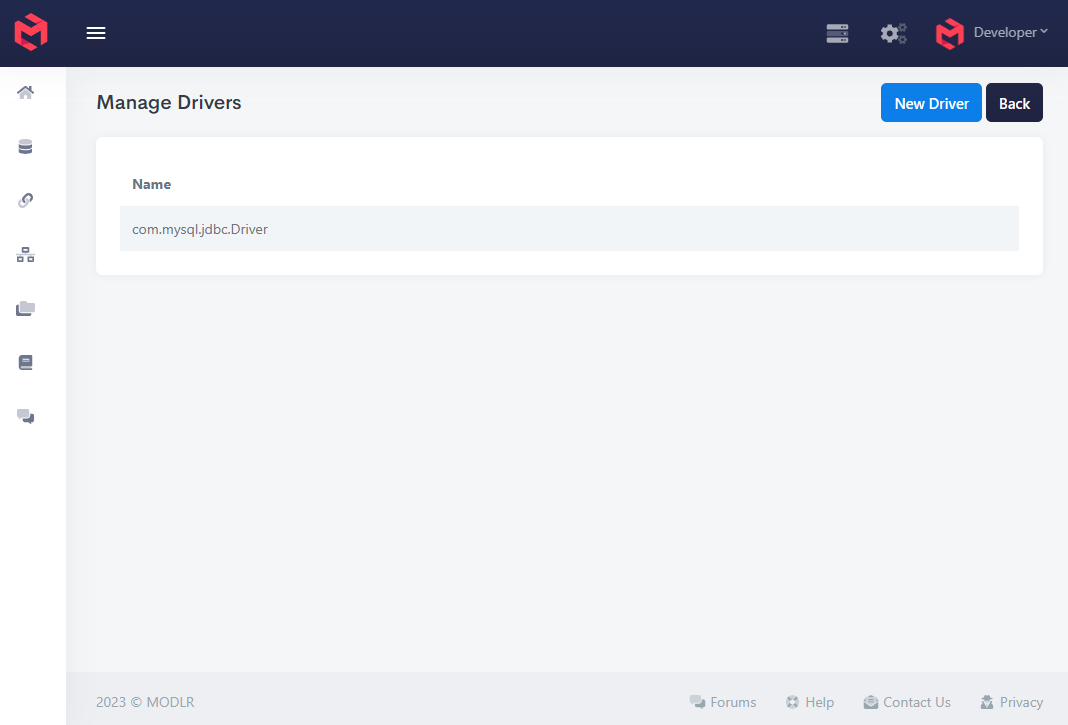
Click New Driver to open the form for uploading a driver.
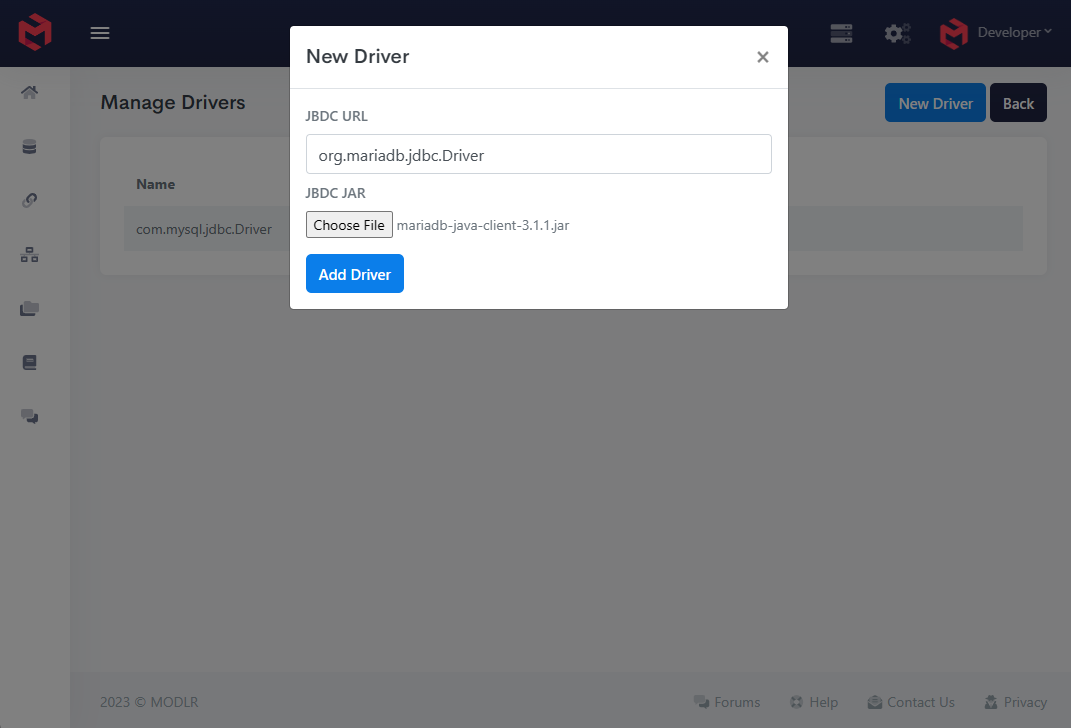
Add the class name and the driver file, then upload it.
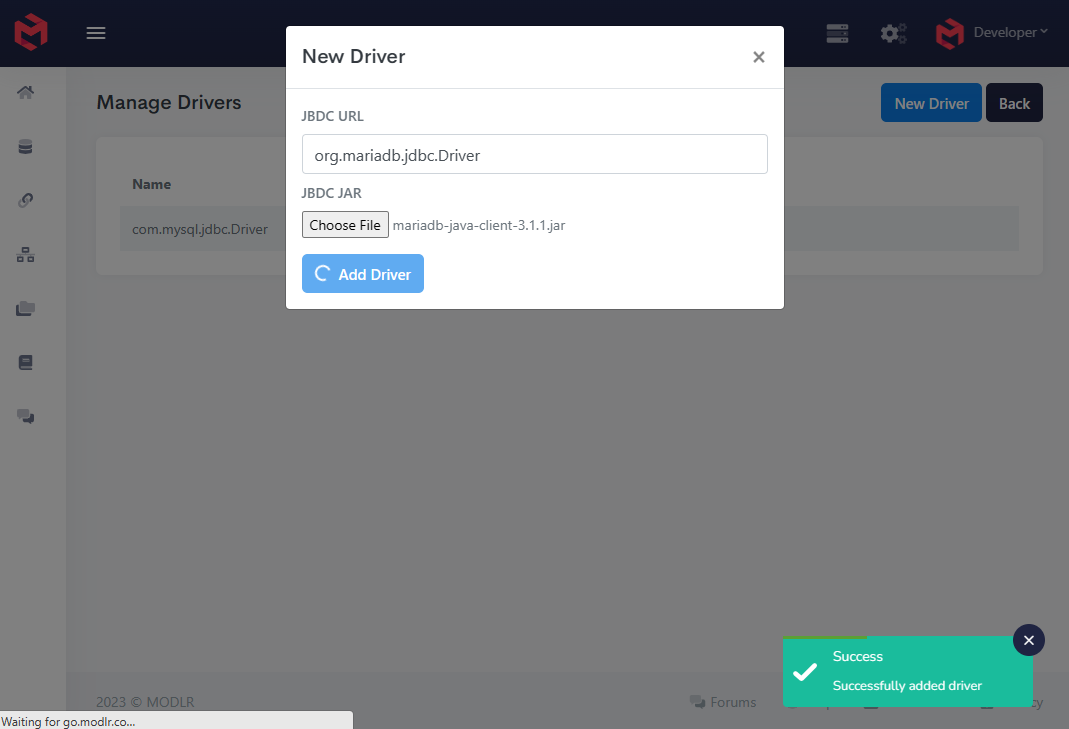
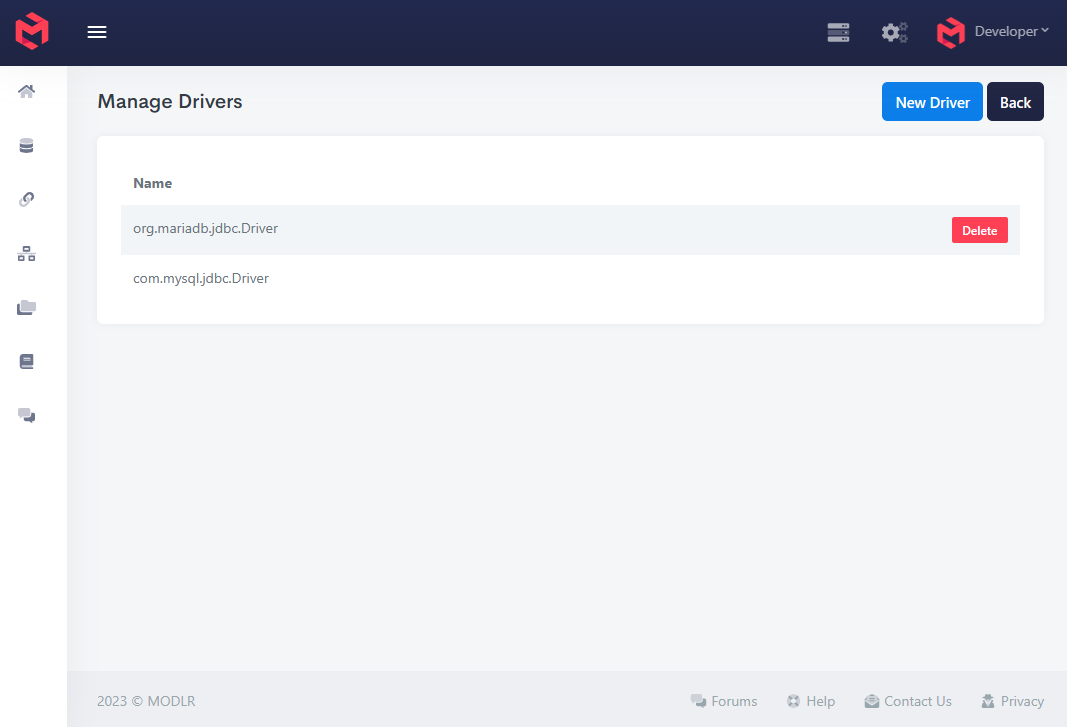
The new driver should be listed on the Manage Drivers page. You can now add a new Datasource using this driver.