
Skip to content

Changing your password ​


Modellers and Analysts ​

In the top right corner, click your name, then Account Settings. The account dropdown, annotated to show the instance administration column and the account column where Account Settings lives
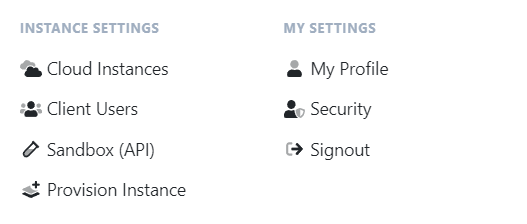
Under Manage Password, enter your current password, then the new one twice, and click Save.
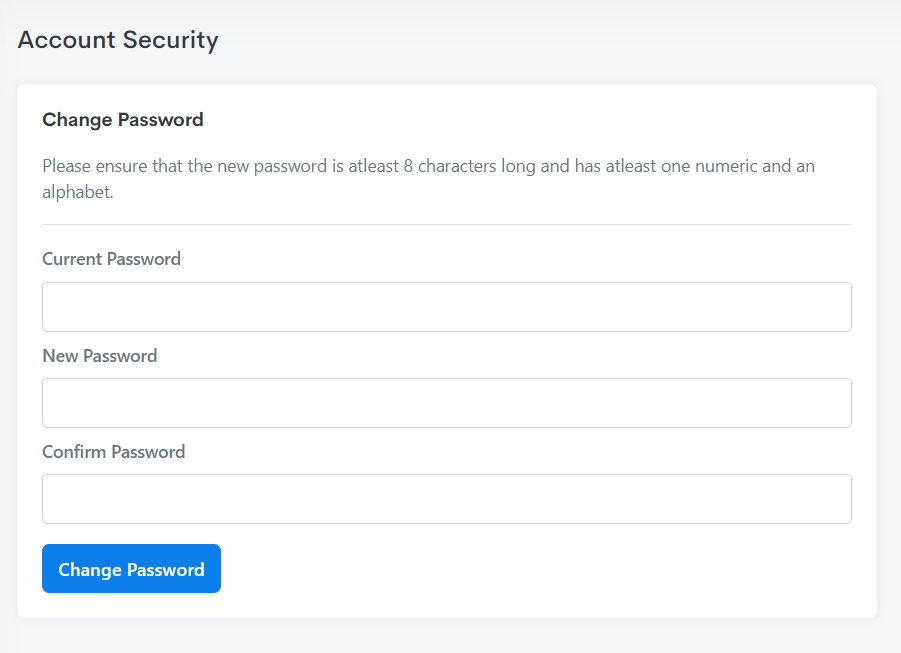
The Account Settings page, annotated to show the Change Name and Manage Password sections

Collaborators ​

Use the Forgot Password button located on the login page and then follow the prompts
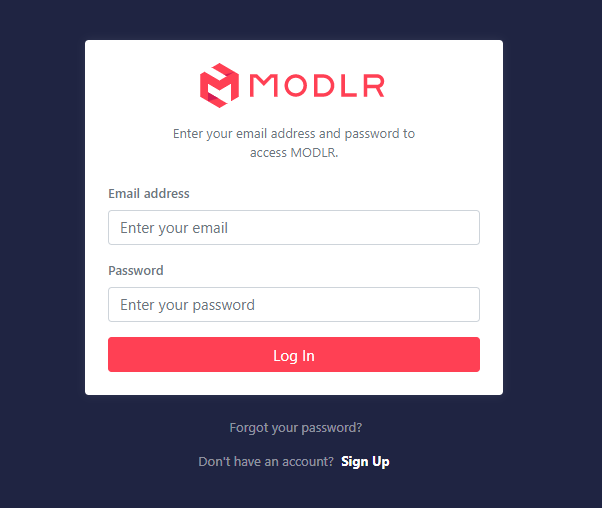
The MODLR login page, with the Forgot your password link beneath the sign-in card