
Model
Provides commands that enables the editing of the model.
Manage Variables
Clicking on Manage Variables will open the Variables window.
Variables
Provides the ability to change variable values.
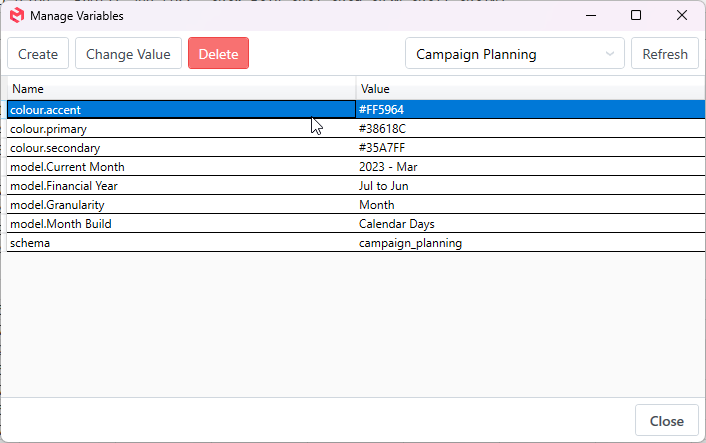
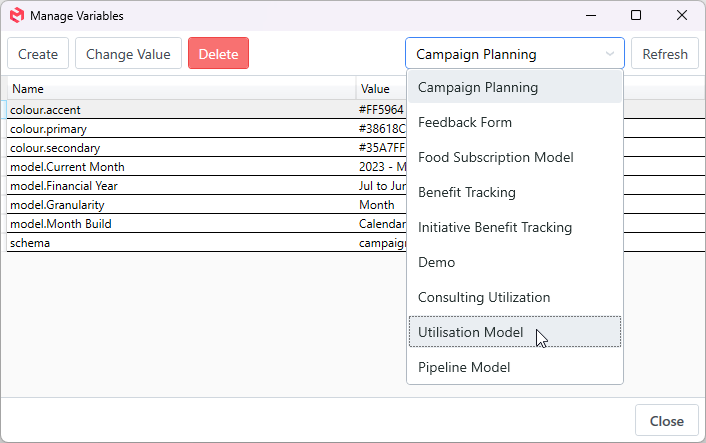
Model dropdown allows the selection of which models variables to manage.
- The Create button allows for the creation of new variables in the selected model.
- The Edit button will allow you to change the value of the selected Variable.
- The Delete button will delete the selected Variable from the selected model.
- The Refresh button will refresh the variables.