
Live Workview
Live workviews allow MODRL excel workviews to be modified and used in excel.
Dimension Editor
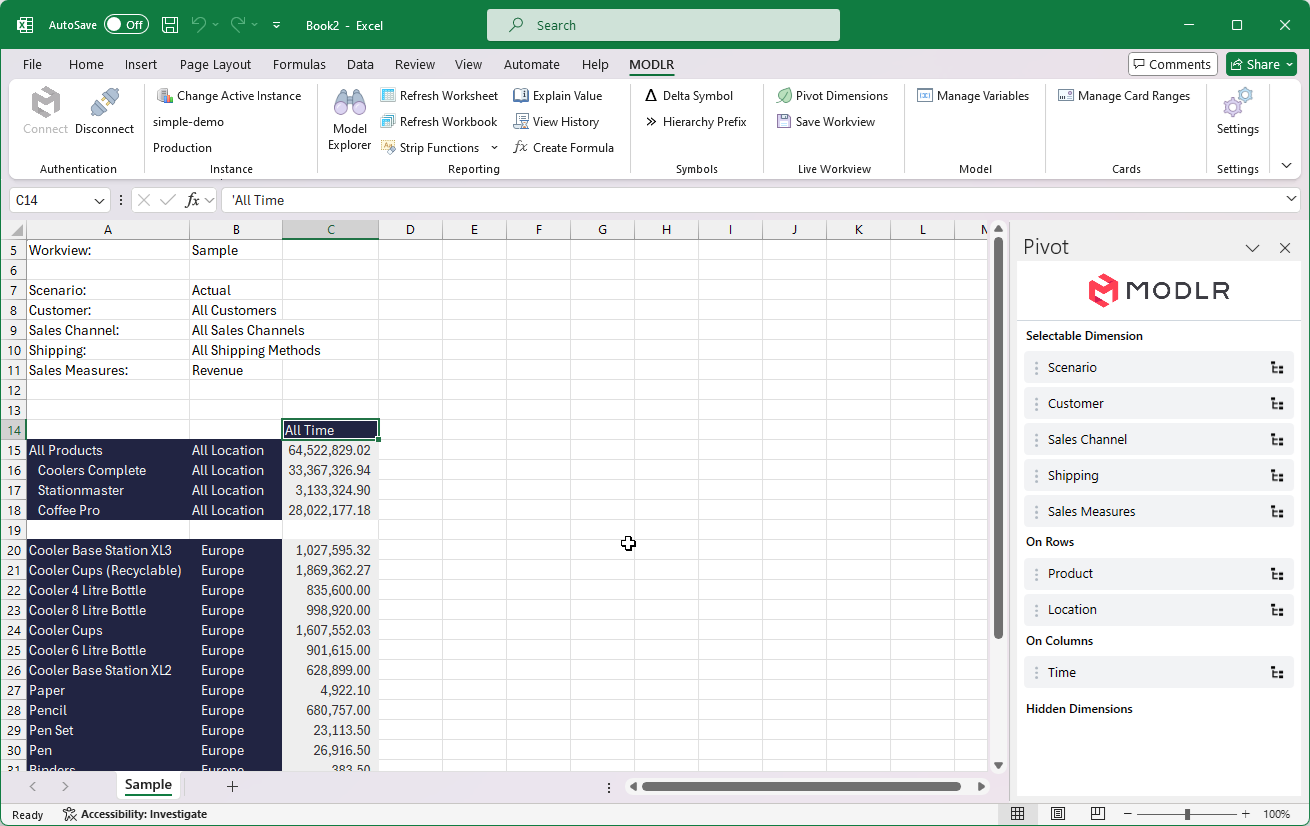
The Dimension Editor button opens the Workview panel on the right. This will automatically be open when a live workview is opened.
Selectable Dimensions
Dimensions can be reordered, placed in header, rows, or columns, from this panel. Clicking on the symbol on the right of the dimension will open the set instructions.
Set Instructions
This window allows for the editing of the set instructions. This will act similar to the set instructions of workviews on the MODLR site, while have a altered layout for excel. Documentation on set intructions can be found here.
Save Workview
The Save Workview button will save the changes made to the workview back to MODLR.